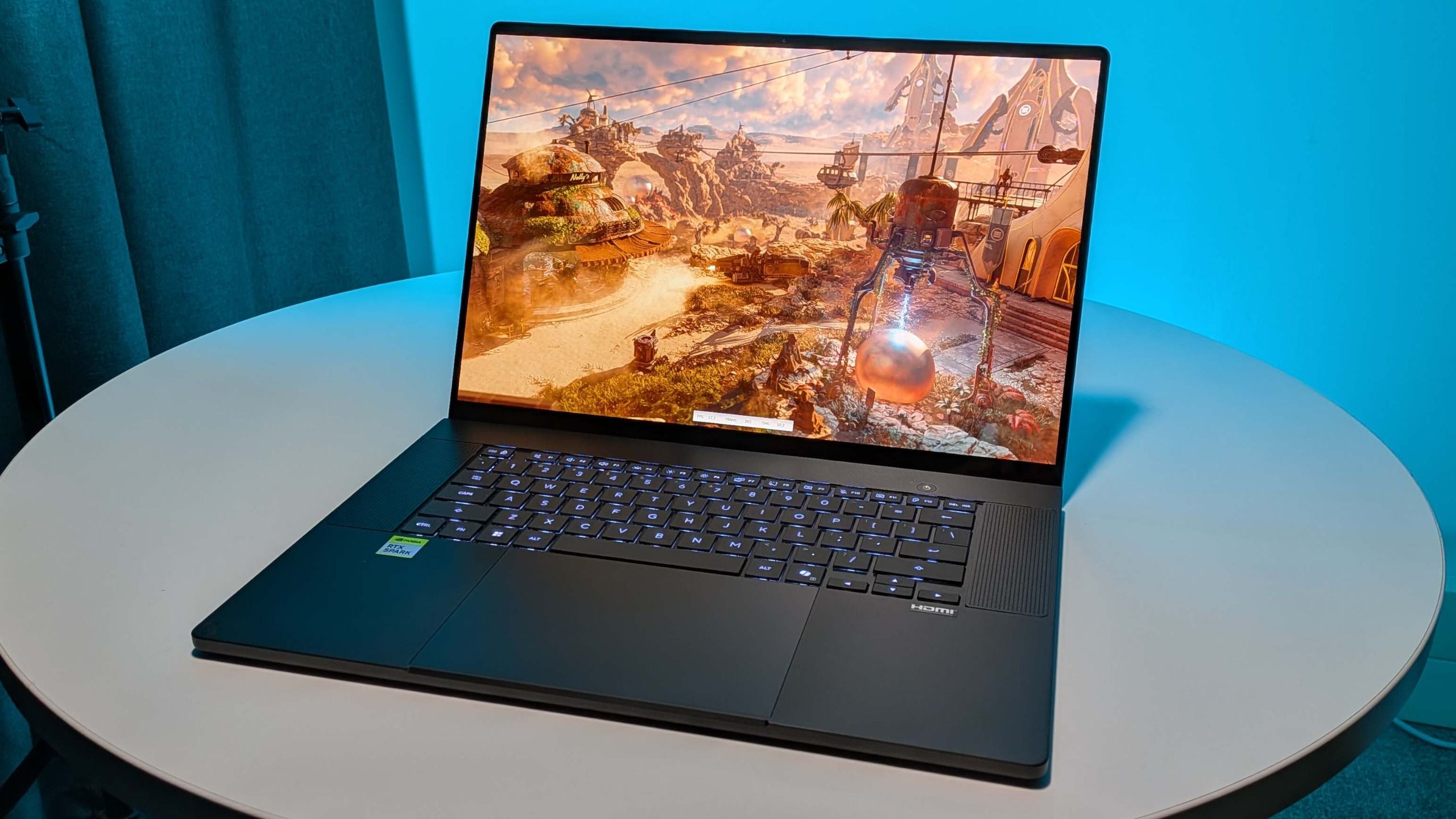
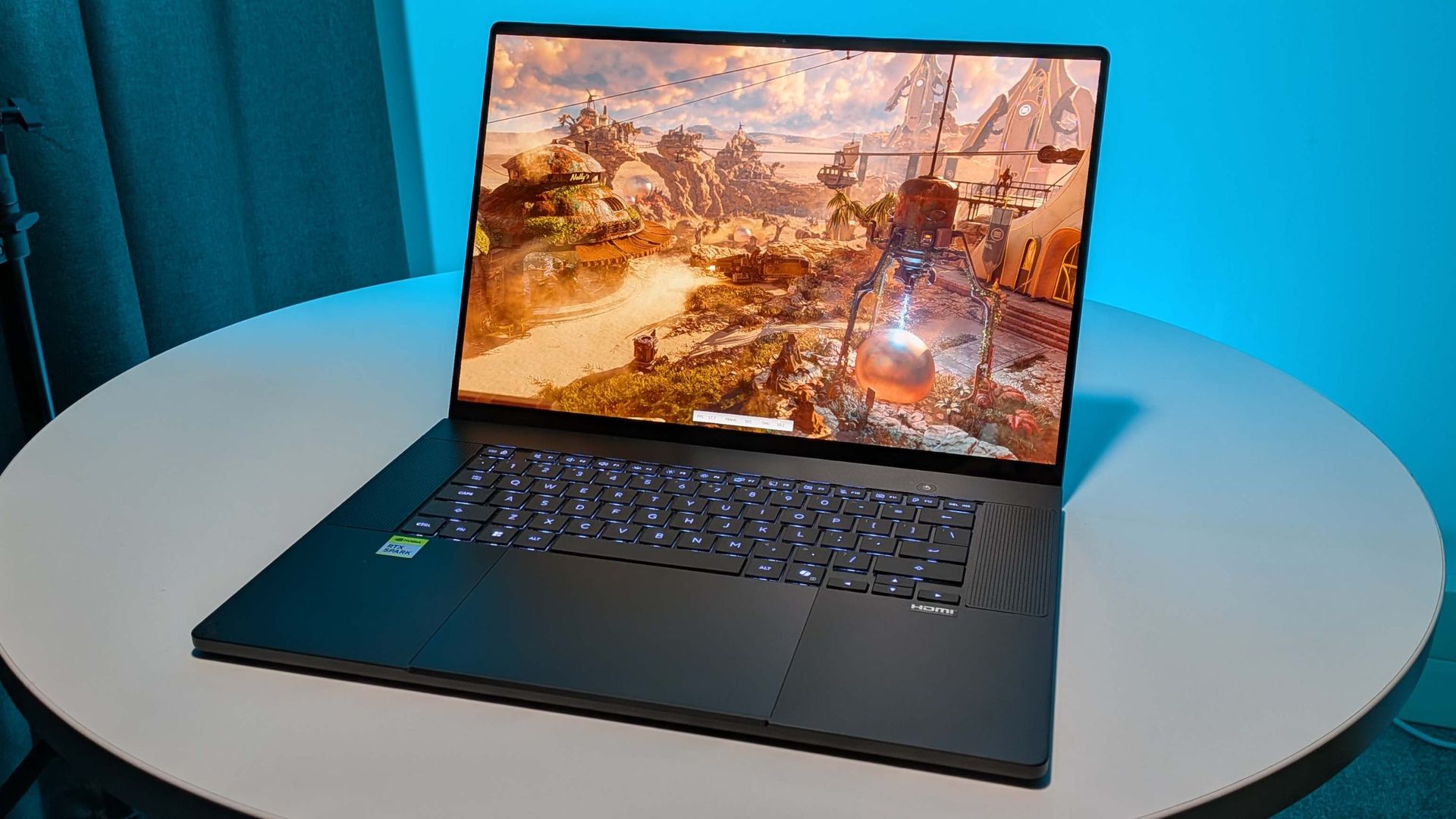
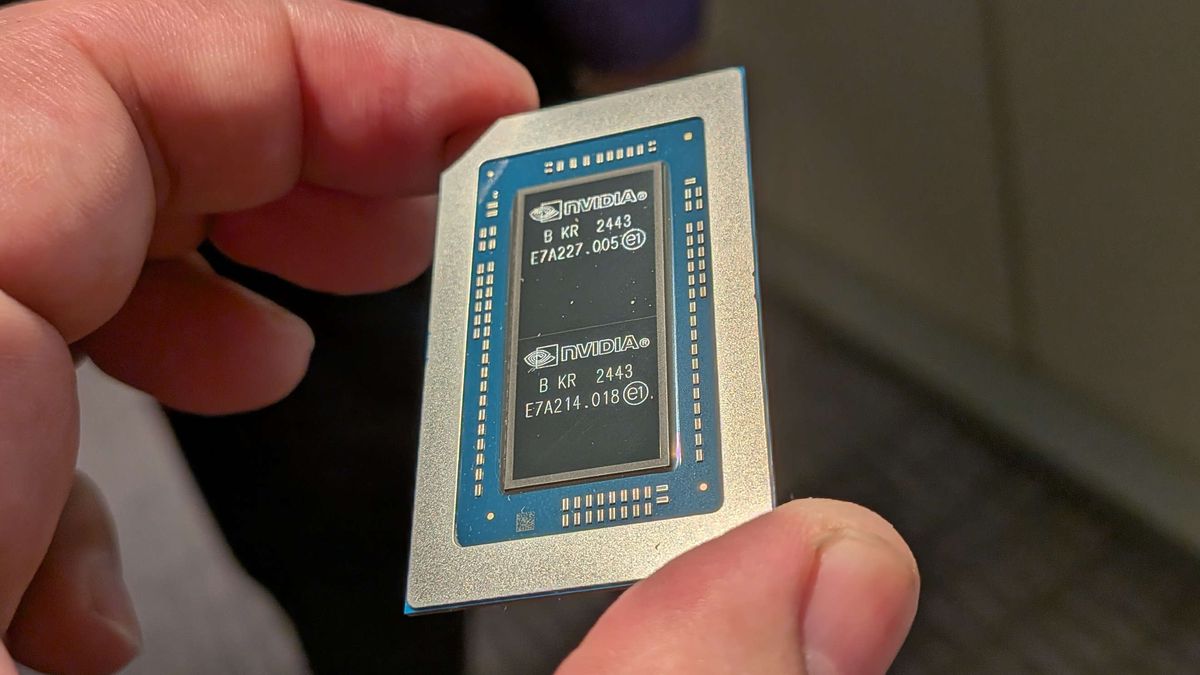
Well, here it is, Nvidia's all-in-one silicon, the RTX Spark. This is an SoC that's being promoted as the everything chip; the processor that can be all things to all people. It's a creator's chip, it's an AI-lover's chip, and it's a gamer's chip.
But all three of those kinds of people do need to have one thing in common: they need to be rather well off, because this is also an expensive chip. I spoke about it when the pricing first came to light last week, while I was at the launch event for this Windows-based tech. Even the cheapest of the RTX Spark machines coming our way will cost $2,700, and that will only get you the weaker cores, a paltry 24 GB of unified memory, and a 512 GB SSD.
That is certainly a limitation, but also completely expected in a time where all things PC cost a ludicrous amount of money, especially devices which are locked into requiring a colossal amount of memory to do their main task. Which, let's be honest here, is AI.
The unified memory architecture (UMA) of the RTX Spark is perfectly suited to providing a ton of memory for system resources, but also to be able to switch that over to supporting the GPU when it comes to smashing through local AI workloads which fill up the GPU's memory pool. It's the perfect time for Nvidia to release something like this, because local AI is set for a bit of an explosion in popularity (especially when the cloud services start charging real money for their services), but it's also the worst time because this sort of memory-heavy hardware isexpensive.
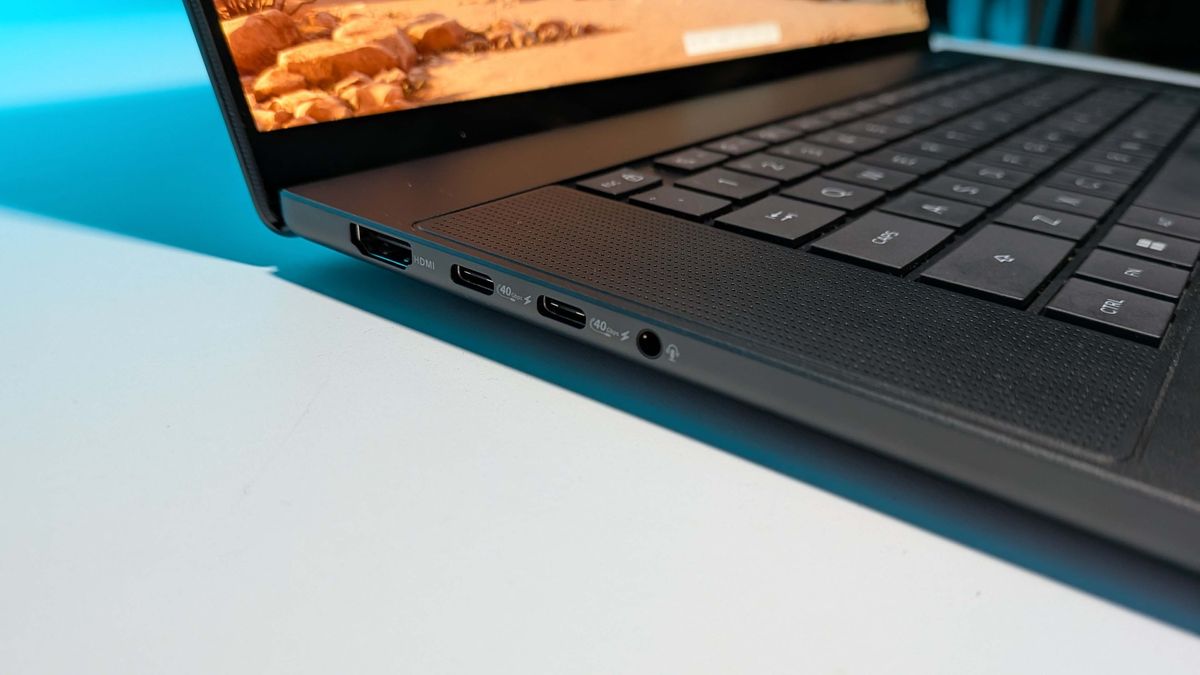
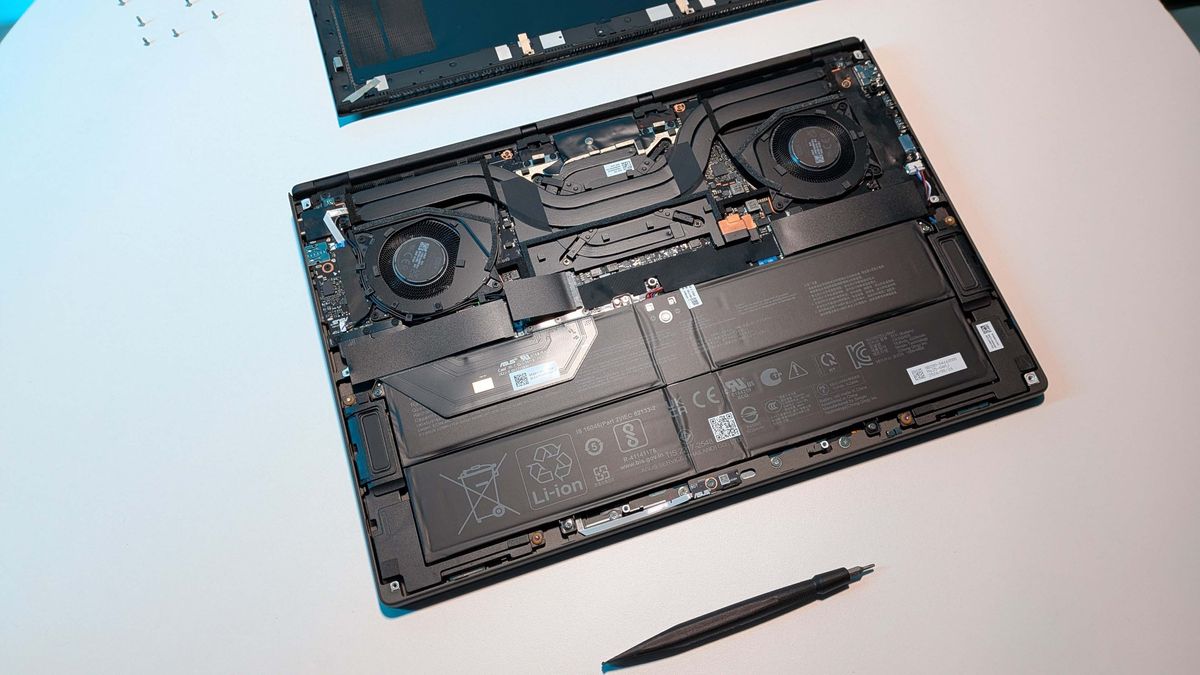
But here it is in front of me, an RTX Spark laptop that looks for all the world like the slimline MacBook-esque Razer Blade machines I've loved for years. But this is no Blade, this is an Asus ProArt P16 and it's a stunner. Thinner than the Zephyrus G16 with a sleek aluminium body and a 64 GB, 20-core RTX Spark N1X chip inside it.
From the get-go I can say that this is not a platform I can really recommend to the average PC gamer
I've only been using it a short time, and there is so much to it and so much that is going to change over the next few months that I'm only really going to scratch the surface here. But today I'm going to go over the architecture and the gaming performance, and maybe I'll give you a little bit about my adventures in agentic AI as a palate cleanser later on.
Yet, even having spent under a week with an RTX Spark as my daily driver, I think from the get-go I can probably say that this is not a platform I can really recommend to the average PC gamer. It's too expensive and we're better served by the gaming laptops already on the market. But, it is an absolutely fascinating, and genuinely impressive platform, and could be a real glimpse at the future of PCs and laptops as a whole.
The PC Gamer Circuit Breaker newsletter breaks down the latest PC gaming tech, and finds you the best deals on the best products
Nvidia RTX Spark - architecture
I've been waiting for this moment for a long time. The promise of an all-Nvidia gaming laptop has been a tantalising prospect for years now; even before the company tried to buy Arm itself there were rumours of an SoC that would combine Arm cores with Nvidia's powerful GPU silicon.
AMD's had its own APUs for the longest time, and Intel has been running every facet of a laptop since the dark ages. So it's no surprise Nvidia wanted a piece of that pie.
And with Qualcomm taking the initial Windows-on-Arm hit with its Snapdragon Elite and Plus chips, letting the OS evolve around the early teething troubles, the time is now ripe for Nvidia's platform to come to fruition.
Actually, there is no Windows-on-Arm anymore as Microsoft is ditching the suffix and just calling it Windows, because Microsoft is all-in here, too. To be honest, I think that's largely down to the push for local AI and the fact Linux is generally where that lives right now—including the DGX Spark, which was the first desktop home of the N1X chip that's running the RTX Spark. But Microsoft is also helping on the gaming side, making the Prism emulation layer more robust on an Arm platform and also committing to bringing all the anti-cheat apps over that Linux currently doesn't have.
Though Epic is working on the Linux side of that right now.
| Nvidia RTX Spark configurations | ||
| Row 0 - Cell 0 | RTX Spark N1X(5120-core GPU, 18-core CPU) | ** RTX Spark N1X** (6144-core GPU, 20-core CPU) |
| CPU cores | 18 total (9 Arm Cortex-X925 + 9 Arm Cortex-A725) | 20 total (10 Arm Cortex-X925 + 10 Arm Cortex-A725) |
| Maximum performance-core clock | 3.9 GHz | 4.0–4.1 GHz |
| Maximum efficiency-core clock | 2.8 GHz | 2.8 GHz |
| GPU architecture | Blackwell RTX | Blackwell RTX |
| CUDA cores | 5,120 | 6,144 |
| Streaming multiprocessors (SMs) | 40 | 48 |
| RT core generation | Fourth generation | Fourth generation |
| Tensor core generation | Fifth generation | Fifth generation |
| Unified memory type | LPDDR5X | LPDDR5X |
| Memory interface | 256-bit / 16-channel | 256-bit / 16-channel |
| Memory interface speed | Up to 9,400 Mbps | Up to 9,400 Mbps |
| Peak memory bandwidth | Up to 300 GB/s | Up to 300 GB/s |
| NVLink C2C bandwidth | 600 GB/s bidirectional | 600 GB/s bidirectional |
| Display interface support | HDMI 2.1a; DisplayPort 2.0 over USB4 | HDMI 2.1a; DisplayPort 2.0 over USB4 |
| Process technology | TSMC 3 nm (both dies) | TSMC 3 nm (both dies) |
| Configurable SoC TDP | 45–80 W | 45–80 W |
The Nvidia RTX Spark SoC packs in all the Nvidia good stuff alongside a whole slew of, what appear to be, relatively off-the-shelf Arm cores. This is all packed in alongside up to 128 GB of unified LPDDR5X-9400 memory.
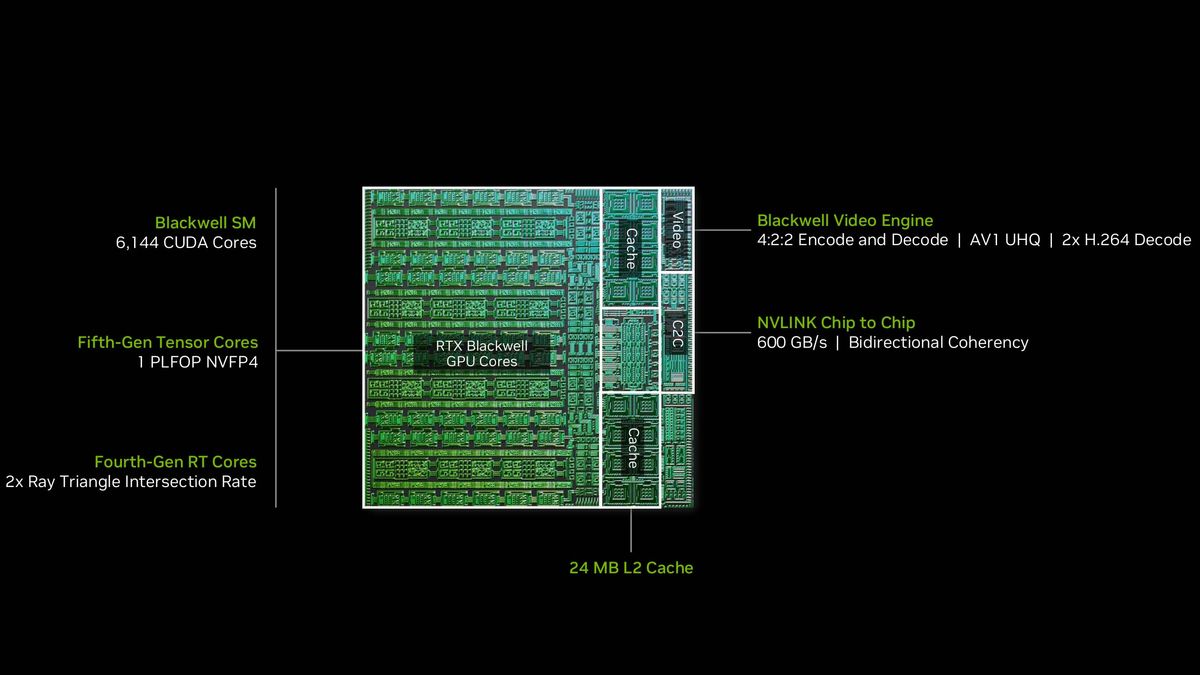
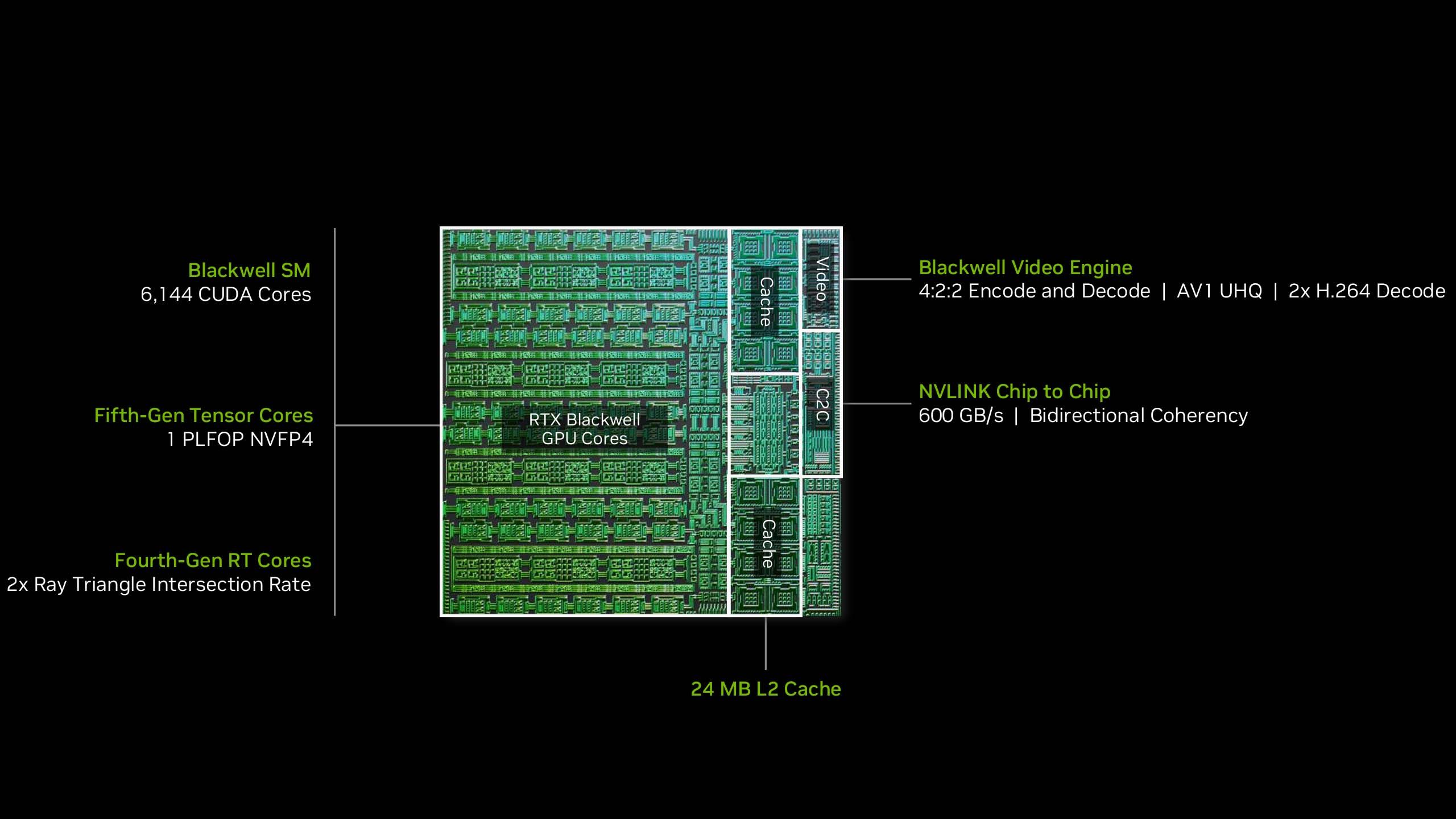
First the GPU side. This is exactly the same as we've already seen drop in the DGX Spark machine launched around this time last year; it's an RTX Blackwell-based chip, sporting 6144 CUDA cores across 48 SMs. Effectively, that's the same core configuration as the desktop RTX 5070 GPU, the GB205, although with a chunk less L2 cache, and a necessarily slower clock speed.
This is one of the reasons that, despite having the same configuration as the desktop RTX 5070, Nvidia is tempering performance expectations by suggesting it will be more akin to the performance of the mobile RTX 5070 (which has fewer SM) in actual gaming performance.
Aside from the cache difference, and the overall difference in attached system memory (LPDDR5X not GDDR7) we can assume that the layout of the Blackwell SM remains the same as it has done since the architecture first launched. There are still 128 CUDA cores per SM and I would expect 192 fifth gen Tensor Cores and 48 fourth gen RT Cores, as there are in the DGX Spark's chip.
The 256-bit memory interface and slower memory means you're getting 300 GB/s of memory bandwidth, against the 672 GB/s the desktop RTX 5070 configuration can offer on its 192-bit bus. But these are slightly apples vs. oranges comparisons because of the platform the RTX Spark is sitting in, the unified memory architecture (UMA) it's surrounded by, and the CPU companion it has.
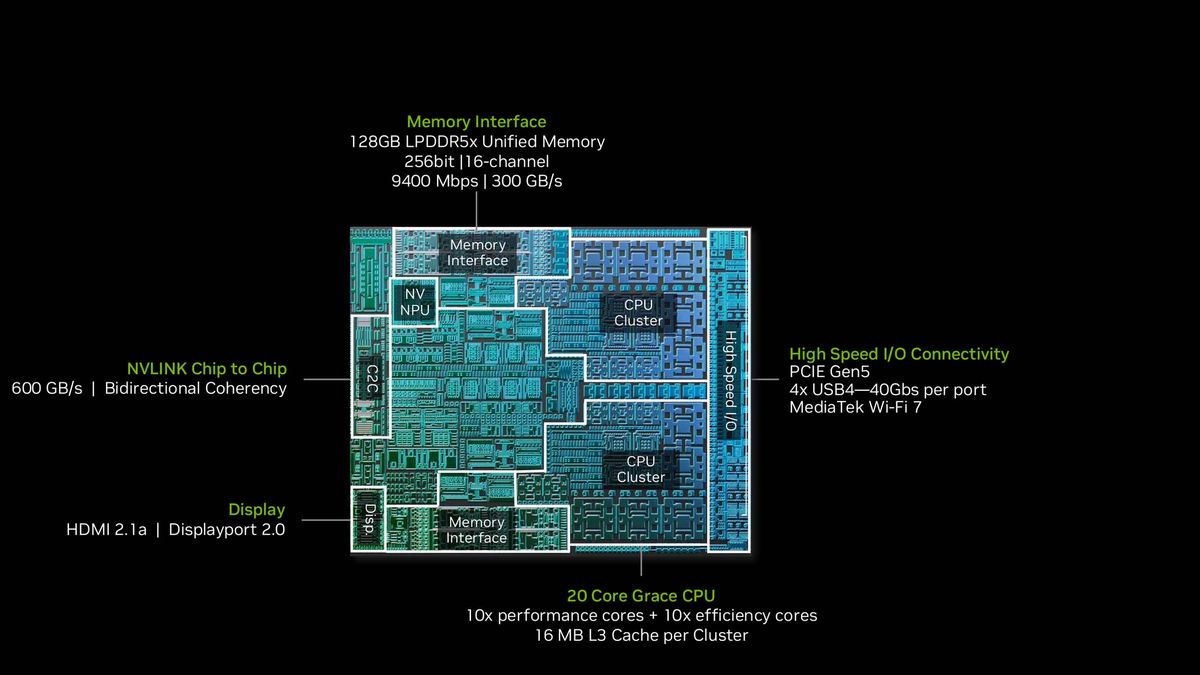
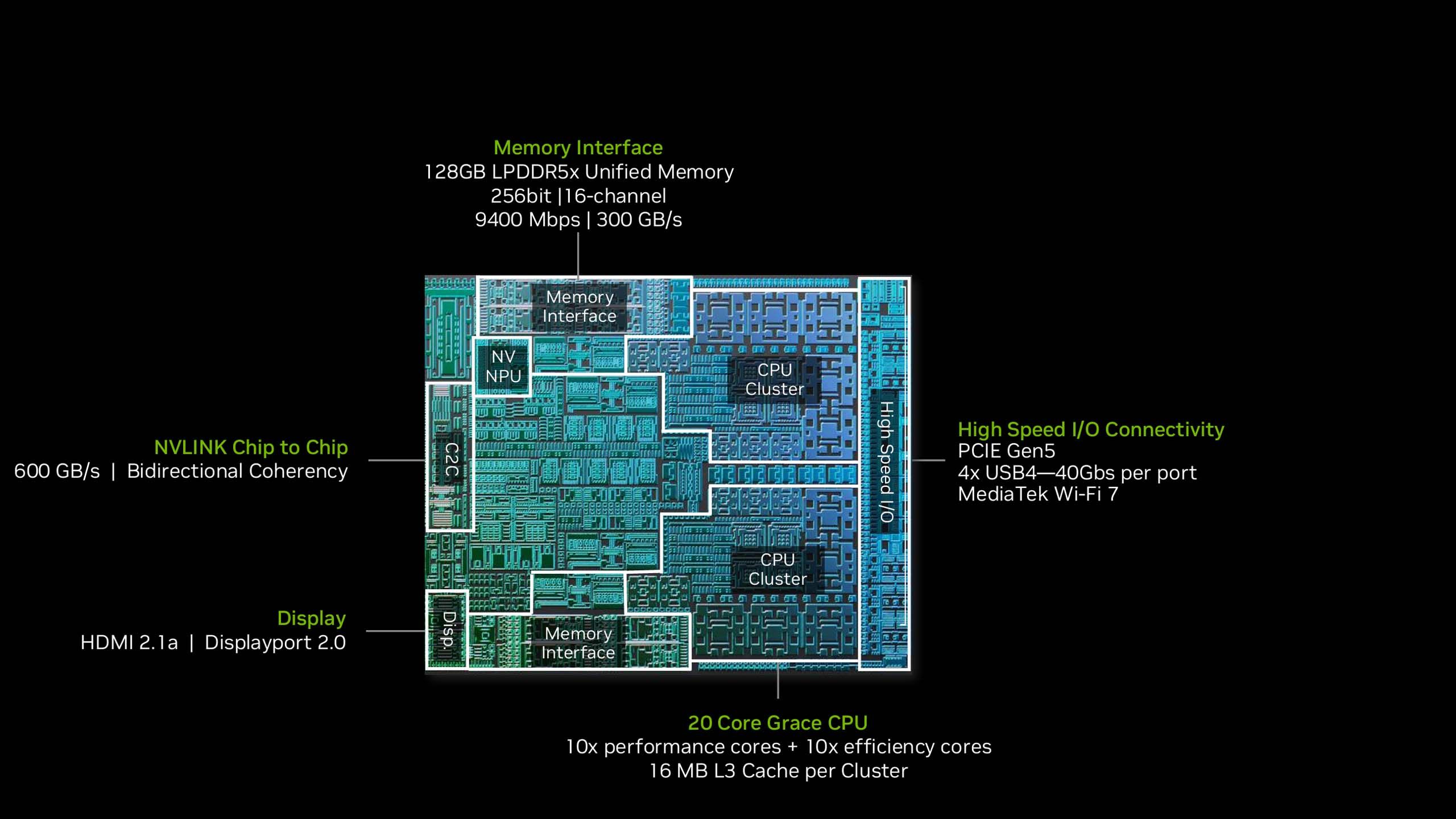
Which, although Nvidia is calling it a Grace CPU, and custom-made with MediaTek, does still just sport some off-the-shelf Arm cores. But a lot of them, to be fair. There are 10 'performance' Arm Cortex-X925 cores and 10 'efficient' Arm Cortex-A725 cores and they mark the peak of Arm's 2024 lineup.
As far as we know, however, there hasn't been any additional work done with these cores to help bolster the necessary emulation to be able to run the x86-focused workloads that are going to be thrown their way. This is the step Apple has taken with its own Arm cores, making sure they're designed from the ground up to take care of such things.
There is also a second, cut-down RTX Spark SoC. That comes with 5120 CUDA cores across 40 SMs (so a commensurate reduction in Tensor cores and RT cores, too) and with 18 Arm CPU cores, meaning one less of each of the performance and efficient cores.
Nvidia RTX Spark - Gaming performance
1080p gaming performance
Testing the relative gaming performance of different laptops across multiple games.
| Cyberpunk 2077 (1080p RT Ultra) Data | |
| Product | Value |
| Asus ProArt P16 | RTX Spark |
| Framework 16 | RTX 5070 100 W |
| Razer Blade 14 | RTX 5070 115 W |
| Baldur's Gate 3 (1080p Ultra) Data | |
| Product | Value |
| Asus ProArt P16 | RTX Spark |
| Framework 16 | RTX 5070 100 W |
| Razer Blade 14 | RTX 5070 115 W |
| Black Myth: Wukong benchmarking tool (1080p High) Data | |
| Product | Value |
| Asus ProArt P16 | RTX Spark |
| Framework 16 | RTX 5070 100 W |
| Razer Blade 14 | RTX 5070 115 W |
| Metro Exodus Enhanced Edition (1080p Ultra) Data | |
| Product | Value |
| Asus ProArt P16 | RTX Spark |
| Framework 16 | RTX 5070 100 W |
| Razer Blade 14 | RTX 5070 115 W |

Native gaming performance
Testing the relative gaming performance across multiple games at the laptop screen's native resolution.
| Cyberpunk 2077 (Native res. RT Ultra) Data | |
| Product | Value |
| Asus ProArt P16 | RTX Spark |
| Framework 16 | RTX 5070 100 W |
| Razer Blade 14 | RTX 5070 115 W |
| Baldur's Gate 3 (Native res. Ultra) Data | |
| Product | Value |
| Asus ProArt P16 | RTX Spark |
| Framework 16 | RTX 5070 100 W |
| Razer Blade 14 | RTX 5070 115 W |
| Black Myth: Wukong benchmarking tool (Native res. High) Data | |
| Product | Value |
| Asus ProArt P16 | RTX Spark |
| Framework 16 | RTX 5070 100 W |
| Razer Blade 14 | RTX 5070 115 W |
| Metro Exodus Enhanced Edition (Native res. Ultra) Data | |
| Product | Value |
| Asus ProArt P16 | RTX Spark |
| Framework 16 | RTX 5070 100 W |
| Razer Blade 14 | RTX 5070 115 W |
Upscaled gaming performance
Testing the relative gaming performance of different laptops across multiple games.
| Cyberpunk 2077 (Native res. RT Ultra + upscaling (quality), 2x FG) Data | |
| Product | Value |
| Asus ProArt P16 | RTX Spark |
| Framework 16 | RTX 5070 100 W |
| Razer Blade 14 | RTX 5070 115 W |
| Black Myth: Wukong benchmarking tool (Native res. High + upscaling (quality, 67%)) Data | |
| Product | Value |
| Asus ProArt P16 | RTX Spark |
| Framework 16 | RTX 5070 100 W |
| Razer Blade 14 | RTX 5070 115 W |
The performance I've been getting out of this slim little gaming laptop has been impressive. Especially when you consider the power it's drawing to get mighty close to (and sometimes matching) the performance of gaming laptops whose GPUs alone are running to 115 W of power.
The Metro Exodus Enhanced benchmark is the one we've been consistently using for gaming performance metrics because we can easily loop the test runs to provide a more long-term understanding of what happens over a gaming session. And, looking at the numbers the RTX Spark in this Asus ProArt P16 laptop is demonstrating, you can see what an efficient piece of silicon this is.
We ran a triple loop of the Metro Exodus Enhanced benchmark at top 1080p settings and while the RTX Spark machine was demonstrably slower than the other RTX 5070 systems I'm comparing it against, it's running at a fraction of the power draw. At 75 fps it is behind the 115 W RTX 5070 in the Blade 14 at 84 fps, but the chip is running almost 700 MHz slower and drawing down an average of 43 W over that run compared to 97 W for the Razer laptop.
System performance
Measuring the relative performance of the different laptop chips in terms of power and thermals.
| GPU stats Data | |
| Product | Value |
| Asus ProArt P16 | RTX Spark |
| Framework 16 | RTX 5070 100 W |
| Razer Blade 14 | RTX 5070 115 W |
| Gaming temperatures Data | |
| Product | Value |
| Asus ProArt P16 | RTX Spark |
| Framework 16 | RTX 5070 100 W |
| Razer Blade 14 | RTX 5070 115 W |
The other side of that is that, because it's such an efficient setup pulling the plug out of the side of the thing isn't going to slam the frame rate. You're still going to get within a percentage point of the same performance whether you're plugged into the wall or not.
Keep this thing in Performance mode and I've seen the frame rate change by maybe a couple of fps, but nothing that's really more than could be explained by statistical variance. Nvidia says that you will get around 99% of the performance from the battery you get from the plug, and that bears out.
But even on Balanced power mode, in the ProArt Creator Hub (a reskinned Armoury Crate), while the power draw drops to 30 W and the GPU clock speed to 1572 MHz, I only saw Metro's benchmark drop by maybe five frames per second on average.
That's not to say there aren't issues here, because at full power you're still not going to be gaming for hours. I measured under an hour and a half running the Fire Strike benchmark on loop via the PCMark 10 CLI. Which is not really what I'd hoped to see from an efficient Arm-based system.
This is still a gaming laptop that wants to be plugged in for the most part, maybe not for performance but definitely for longevity.
Battery life
Testing gaming battery life using PCMark 10's dedicate gaming battery life test.
PCMark 10
| PCMark 10 Data | |
| Product | Value |
| Asus ProArt P16 | RTX Spark |
| Framework 16 | 131 |
| Razer Blade 14 (2025) | 134 |
The other inevitable issues surround emulation. This is not an x86 system and while Microsoft's Prism layer is very good for the most part, there are problems with running games on an Arm system that will be familiar to anyone who's spent any time playing games on Linux. Yes, the hoary ol' chestnut of anti-cheat.
The good news is that Microsoft is working hard on this, presumably with the aim of stopping defectors from entering the sunny uplands of Linux gaming, and a ton of anti-cheat providers are already running on RTX Spark and Windows (formerly on Arm). From everybody's favourite, Denuvo, to BattlEye and EAC, a host of multiplayer games can be played from day one.
But there are still some notable exceptions, the main one for me being EA's Javelin. I like me some Battlefield, and I've been playing a lot of FC27 recently, too, for I am a football-liker. These are currently games not compatible with RTX Spark, nor is the F1 24 benchmark we run across our gaming laptop suite, either. Javelin is expected to be updated and added to the list of supported anti-cheats next year, but for right now, you're out of luck.
CPU performance
Testing the straight CPU performance of the relative laptop silicon.
| Cinebench 2024 Data | |
| Product | Value |
| Asus ProArt P16 | RTX Spark |
| Framework 16 | Ryzen AI 9 HX 370 |
| MSI Crosshair 16 HX | Core Ultra 9 275HX |
| Razer Blade 14 | Ryzen AI 9 365 |
| 7zip 24.07 Data | |
| Product | Value |
| Asus ProArt P16 | RTX Spark |
| Framework 16 | Ryzen AI 9 HX 370 |
| MSI Crosshair 16 HX | Core Ultra 9 275HX |
| Razer Blade 14 | Ryzen AI 9 365 |
| Procyon Data | |
| Product | Value |
| Asus ProArt P16 | RTX Spark |
| Framework 16 | Ryzen AI 9 HX 370 |
| MSI Crosshair 16 HX | Core Ultra 9 275HX |
| Razer Blade 14 | Ryzen AI 9 365 |
The other issue is also CPU related, though not 100% emulation based. Those Arm cores, even the X925 'performance' cores are not the same as the x86 chips from AMD and Intel right now. Multithreading is fine, but the real problem is single core performance. Take a look at the Cinebench scores and you'll see what I mean.
With a single core score of 72 it's well behind the other chips in the test. Those this benchmark will, of course, be emulated and that is going to impact the outcome, but it highlights where the limitations lie with Nvidia's approach to the SoC. Translate that into gaming terms and the Baldur's Gate 3 benchmark above highlights this perfectly.
This is a game we use to benchmark the gaming performance of a system's CPU because the end-game in the city really demands a lot from your processor. That's why you'll see the MSI Crosshair 16 HX topping the benchmarks here, with its grunty Intel processor. And down the bottom is the RTX Spark with its Arm cores chugging along some 43% slower in terms of frame rate.
Nvidia RTX Spark - Early impressions
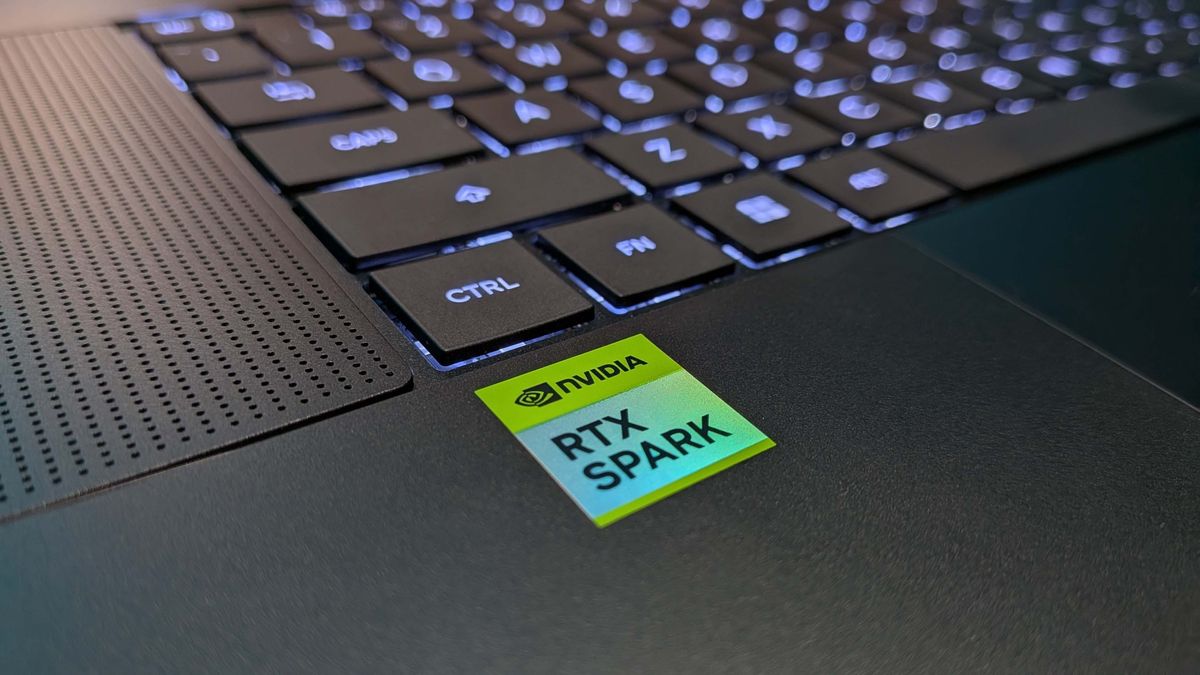
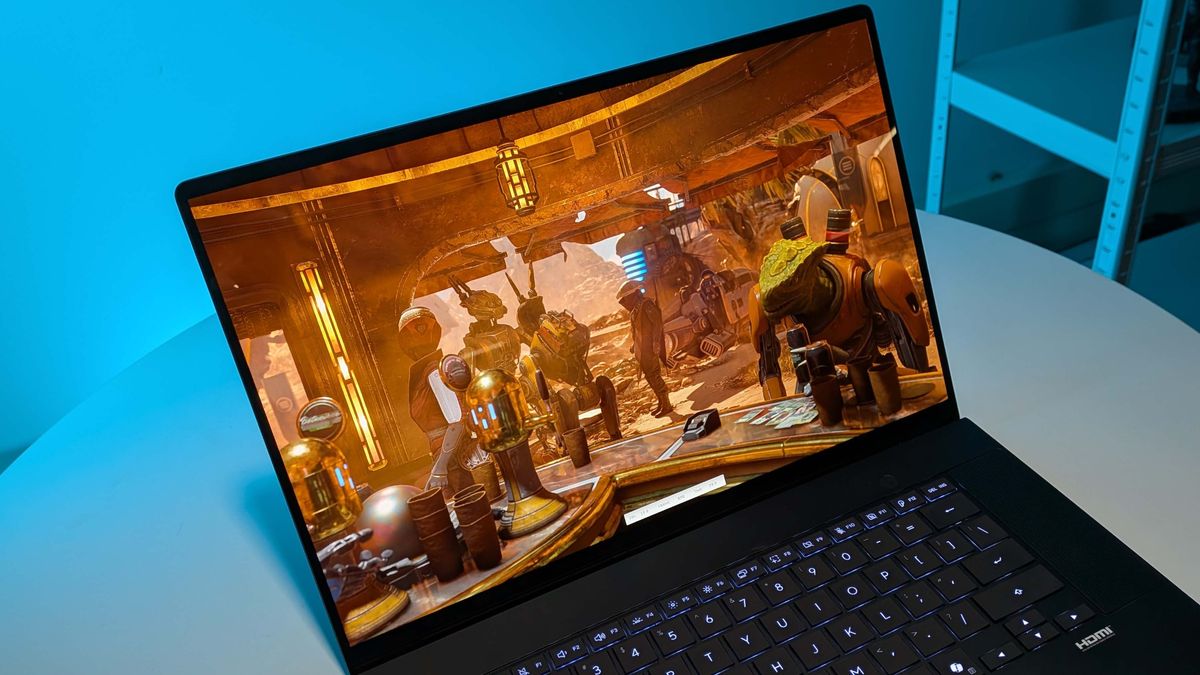
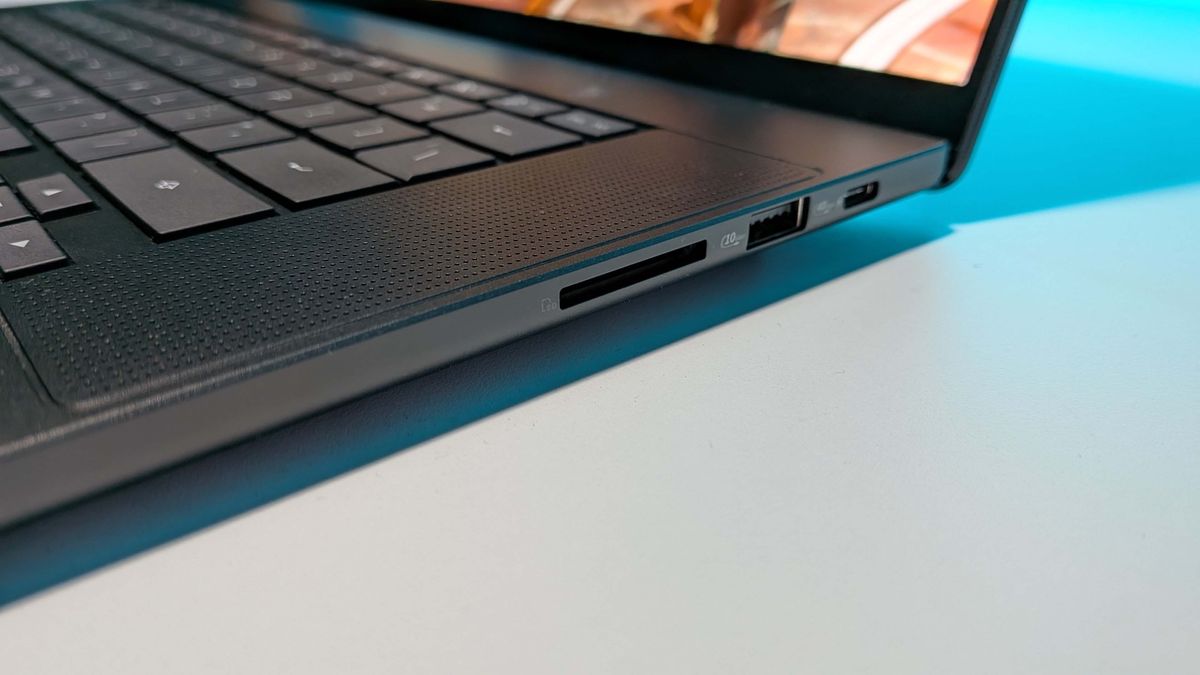
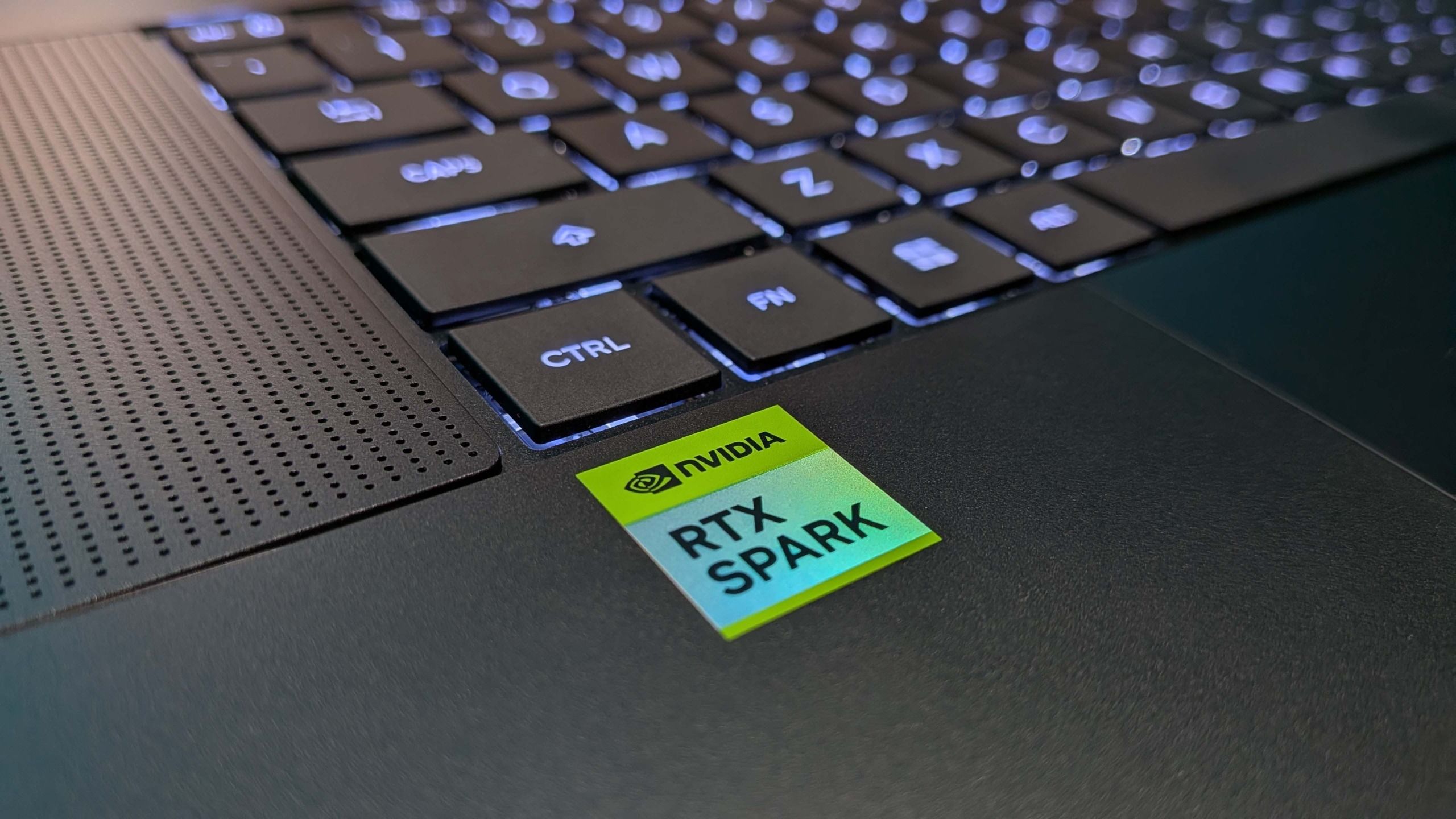
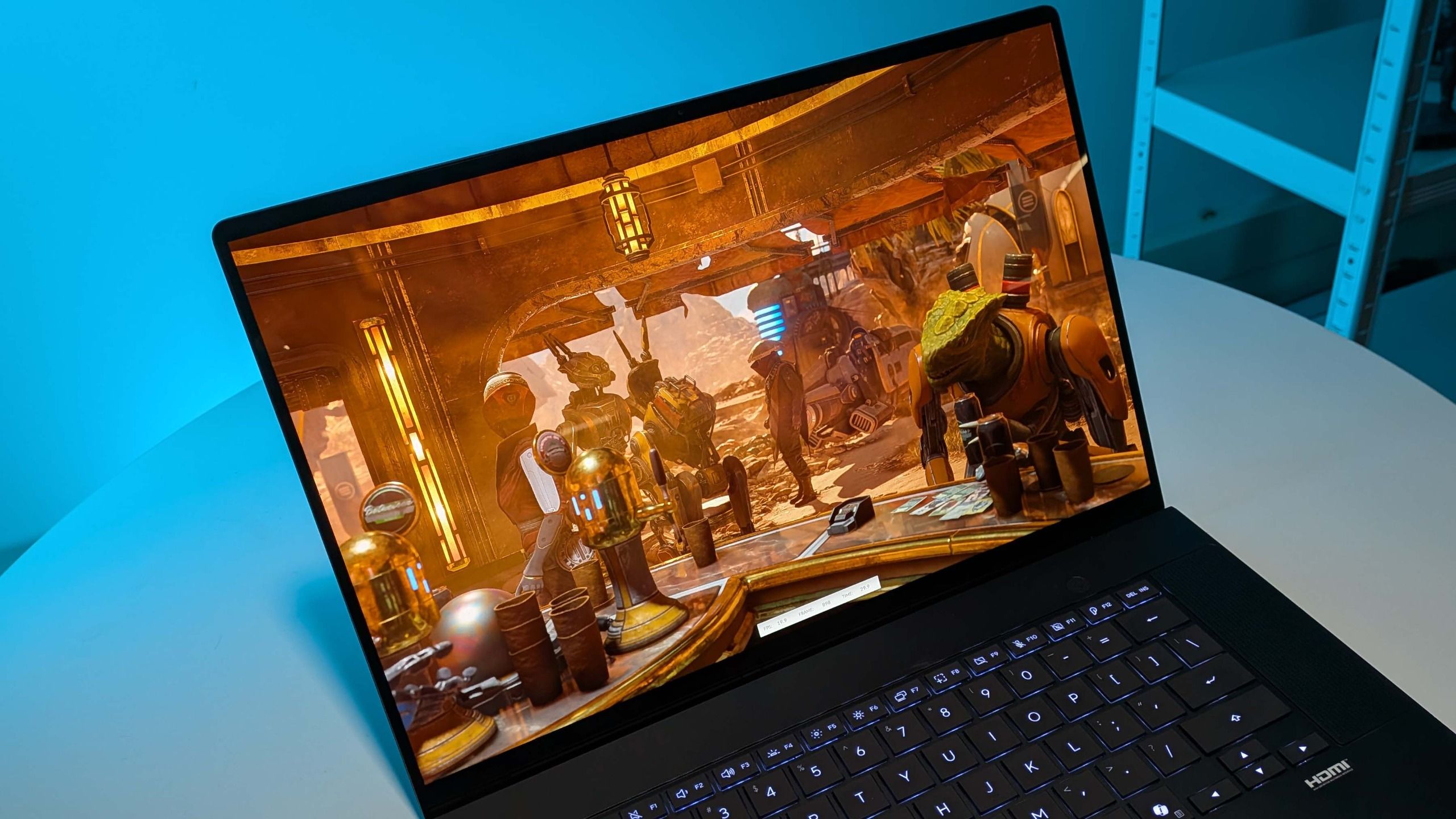
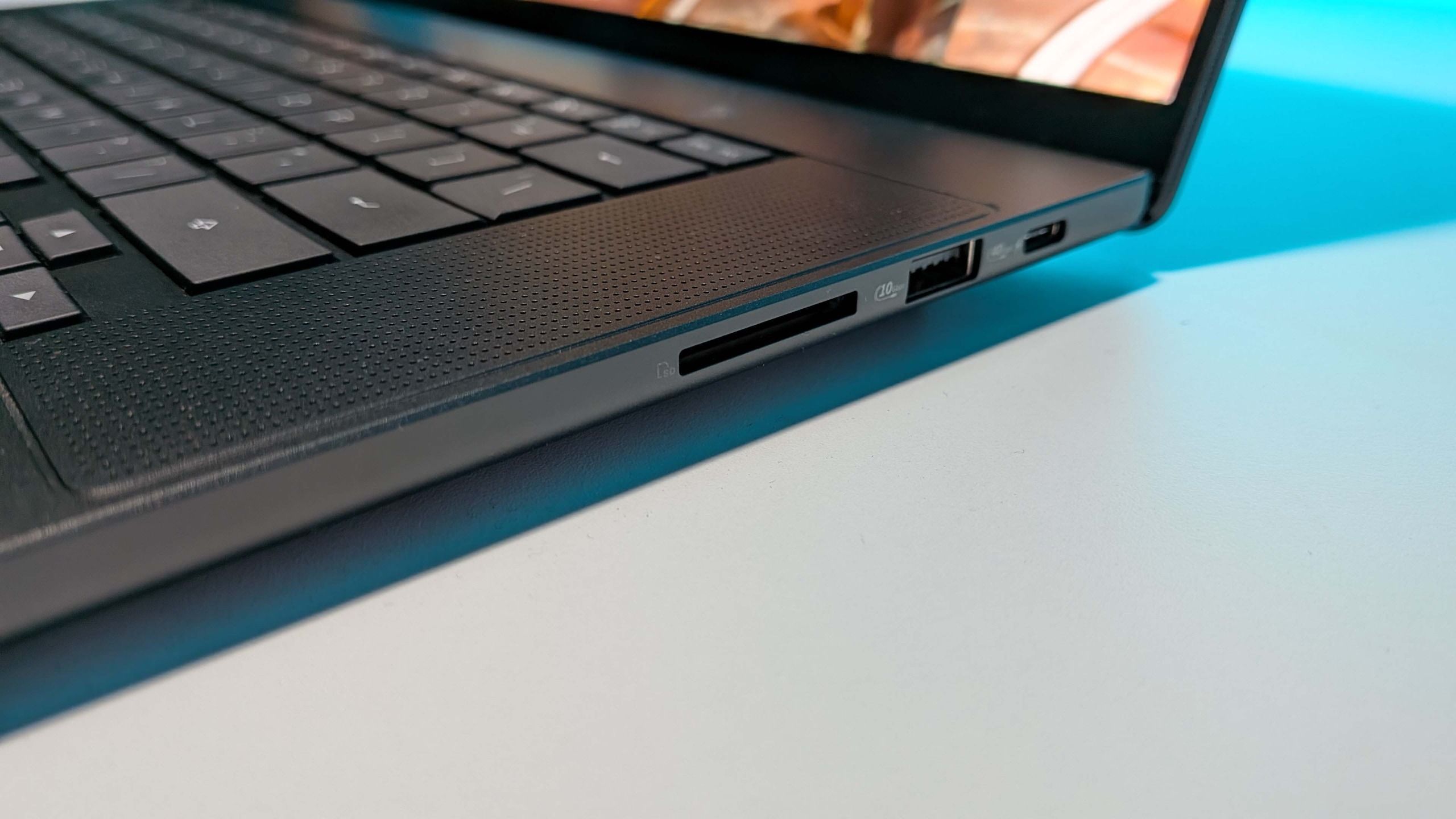
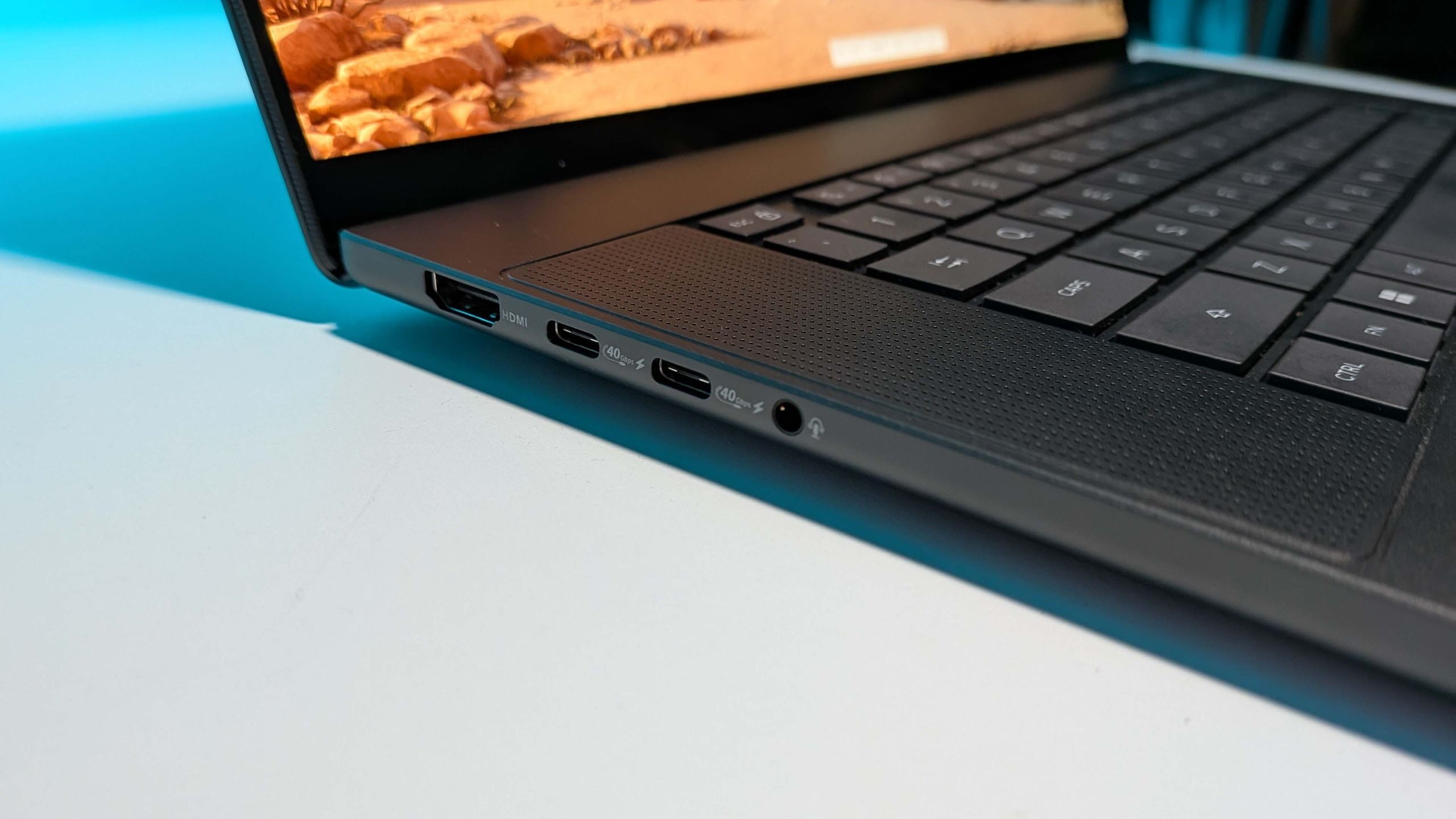
I can't really give a solid verdict on the RTX Spark having only had it in my hands for less than a week. But I can certainly give you my first impressions. And they are that the platform delivers a really great device. The Asus ProArt P16 is an absolute delight to use, and the performance it delivers is genuinely impressive.
If this were the same price, or even slightly more than an RTX 5070 gaming laptop, then it would be an easy thing to call this the future of mobile gaming machines. It comes in a thoroughly enjoyable form factor, performs admirably, and it would be a real toss-up for me as to whether I would rather this or the Razer Blade 14.
But it's not. This is a $4,400 machine, and while you can't currently pick up Blade 14 right now, you can get really lovely RTX 5070 gaming laptops for a lot lot less.
So, it can't be a solid recommendation for a dedicated PC gamer.
A glimpse into a future where the x86 hegemony of hardware has well and truly been put to rest
For less than the price of this middle-range RTX Spark laptop, you can pick up a very well-specced RTX 5090 laptop that comes with 24 GB of very fast GDDR7 VRAM. And that will really do the business when it comes to local AI. Yes, you can go and buy a 24 GB RTX Spark for $2,700, but that would be the same overall memory pool as a standard 16 GB laptop with an RTX 5070. Or even RTX 5060 for that matter. That's not going to get you real access to good local AI models to take advantage of what makes the RTX Spark special.
And there are things that do make it special. If you could stretch to the 64 GB version I have here, and you do far more than game on your device, it does become almost that do-everything laptop. You absolutely can play games on this at high frame rates when you're done doing serious work things, but you can also slam through beefy local AI models, but you also have both the GPU and memory power to run through practically any creative task you put your mind to. And Windows (formerly 'on Arm') is now so transparent that almost every application you might use to do that is fully supported on the OS.
This is my daily driver now, and I'll be spending a lot more time with it to give a more considered take down the line, combined with a whole lot more gaming benchmarks. But for now, and for a very specific audience, this is a hell of a machine. For the rest of us? Well, it's a glimpse into a future where the x86 hegemony of hardware has well and truly been put to rest.

1. Best overall:Razer Blade 16 (2025)2. Best budget:Lenovo LOQ 15 Gen 103. Best 14-inch:Razer Blade 14 (2025)4. Best mid-range:MSI Vector 16 HX AI5. Best high-performance:Lenovo Legion Pro 7i Gen 106. Best 18-inch:Alienware 18 Area-51