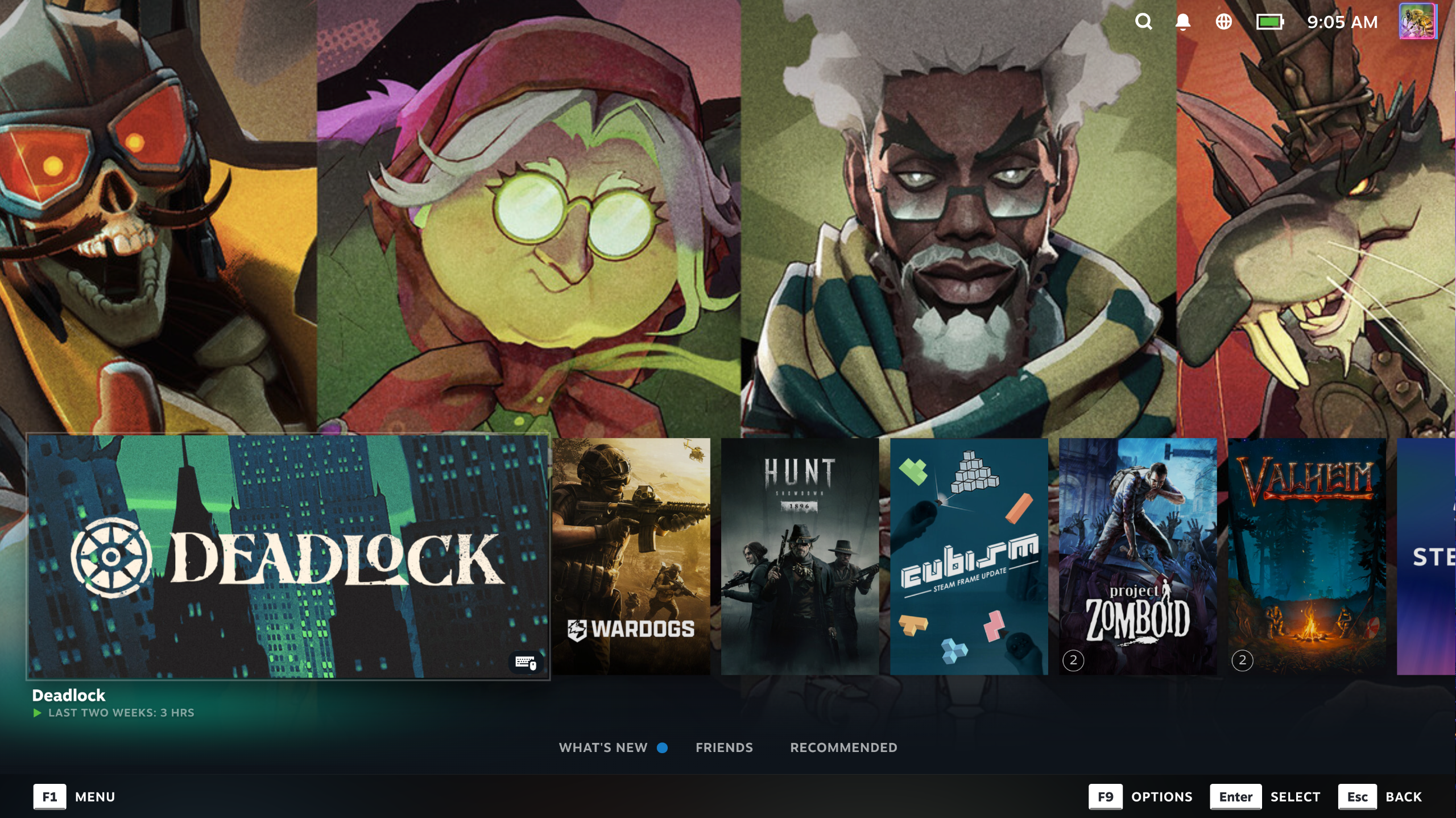
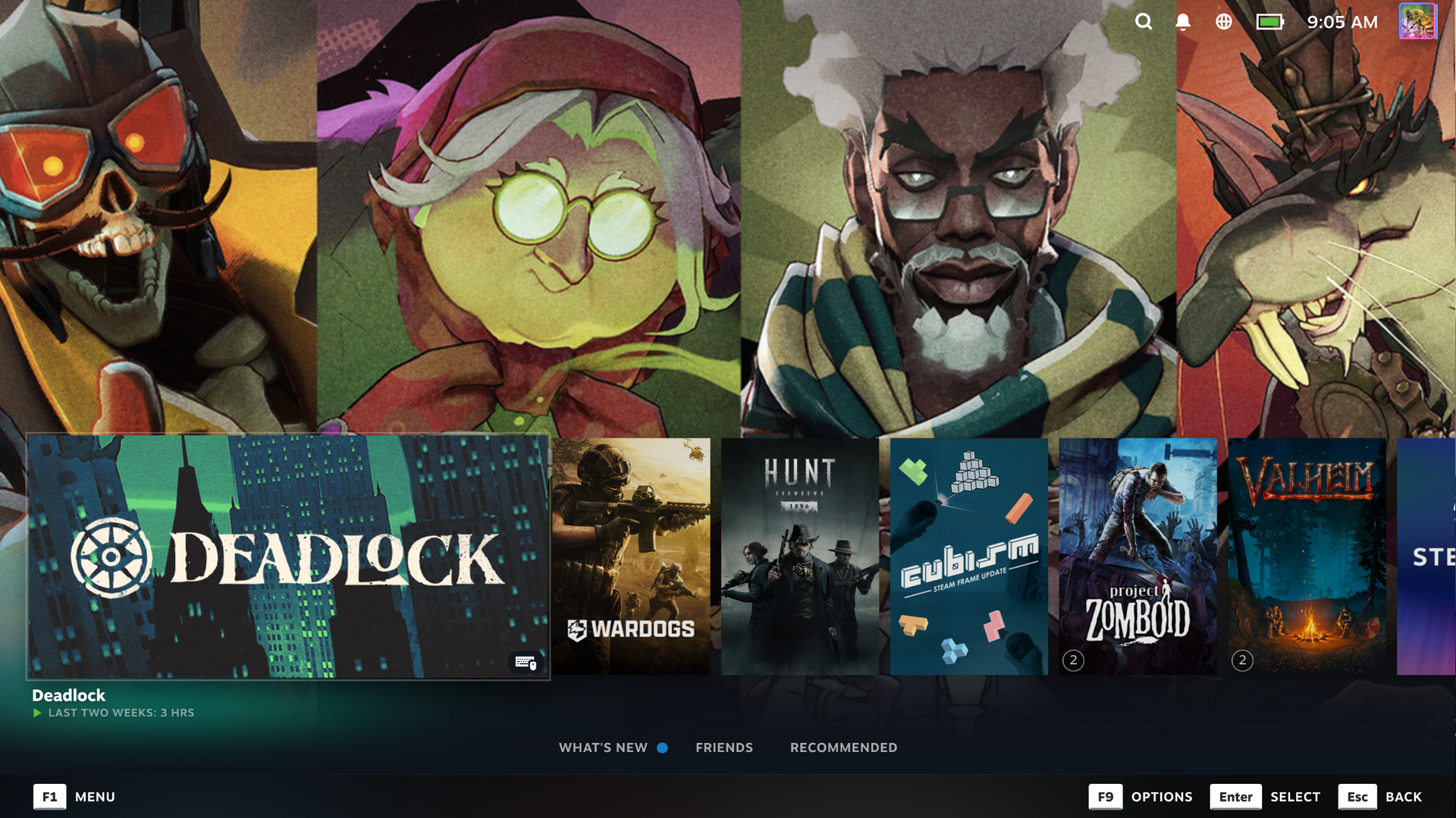
Steam's Big Picture Mode just got a big visual overhaul that puts game art in the spotlight, and my living room setup has never looked better.
The new mode is rolling out of beta with the latest Steam client release. If you're all up-to-date, you can enable it within Big Picture Mode. Just head to Settings, then Home. It's called Big Art Mode.
The new Big Art Mode sticks a massive, full-size version of the game's key art behind the usual large art icon.
Steam Big Art Mode on/off
The new mode offers a surprisingly big visual overhaul.
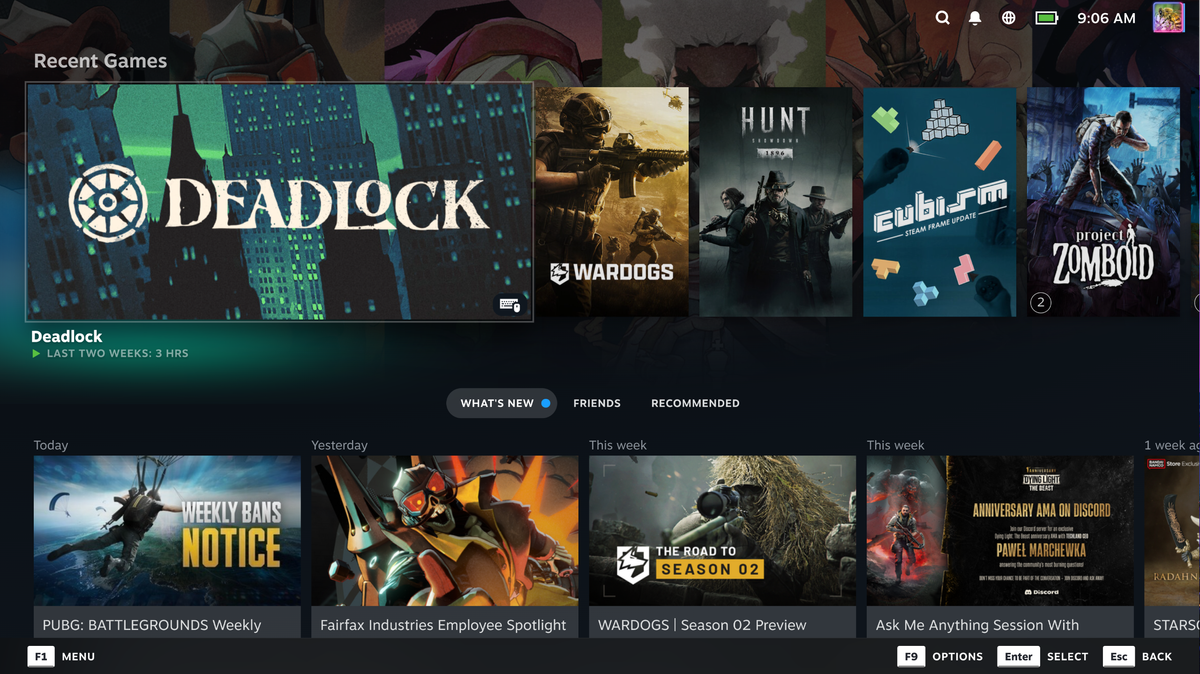
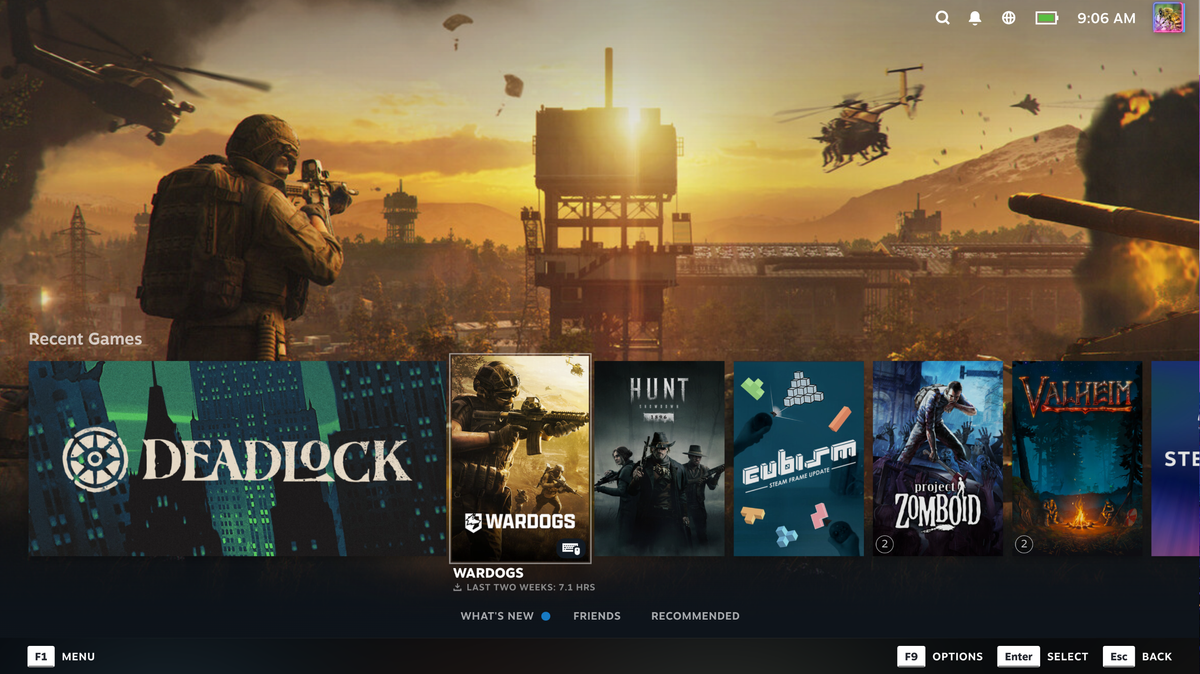


The update is also mentioned in the Steam Deck update notes, too.
My mini PC lives in Big Picture Mode. It's the closest thing to using SteamOS without actually installing SteamOS. Nothing against the OS—I just play some games that aren't best suited to Linux. My PC is hooked up to my TV in my living room, and whenever I boot it up, I only have to grab my Steam Controller, double-tap the Steam button, and choose which game to play—all without touching a keyboard.
The new Big Art Mode feels much better suited to this laid-back gaming experience. Big visuals, less UI, and a more appealing vibe. A lovely look on a big ol' OLED TV.
1. Best overall: Secretlab Titan Evo2. Best budget: ThunderX3 Solo 3603. Best luxury: LiberNovo Omni4. Best support: ThunderX3 Core5. Best big boi: AndaSeat Kaiser 4 XL6. Best office: ThunderX3 Flex Pro7. Best budget office: Ikea Matchspel
Keep up to date with the most important stories and the best deals, as picked by the PC Gamer team.