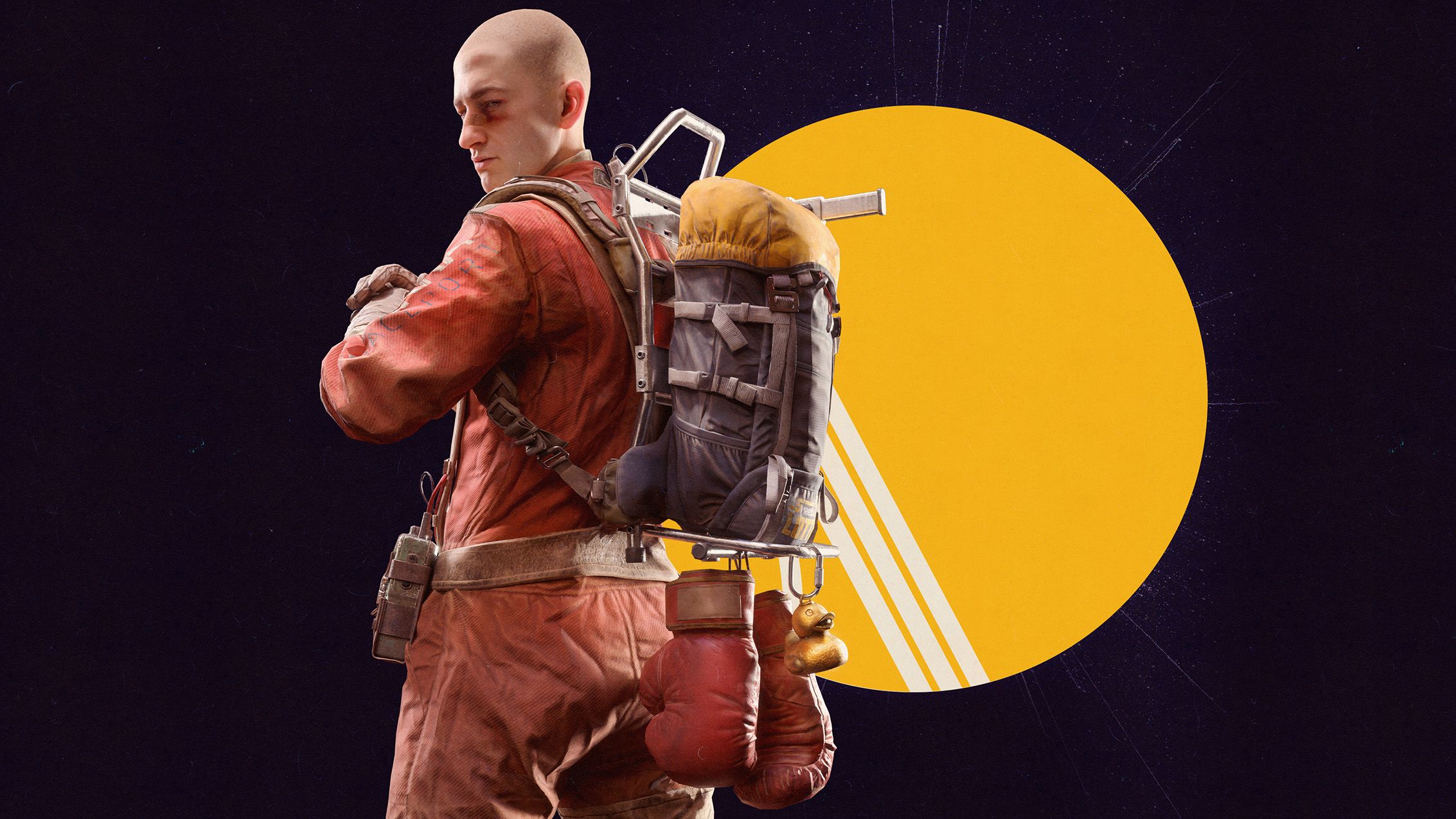
💡 Arc Raiders now has an option to turn off the light on your backpack.
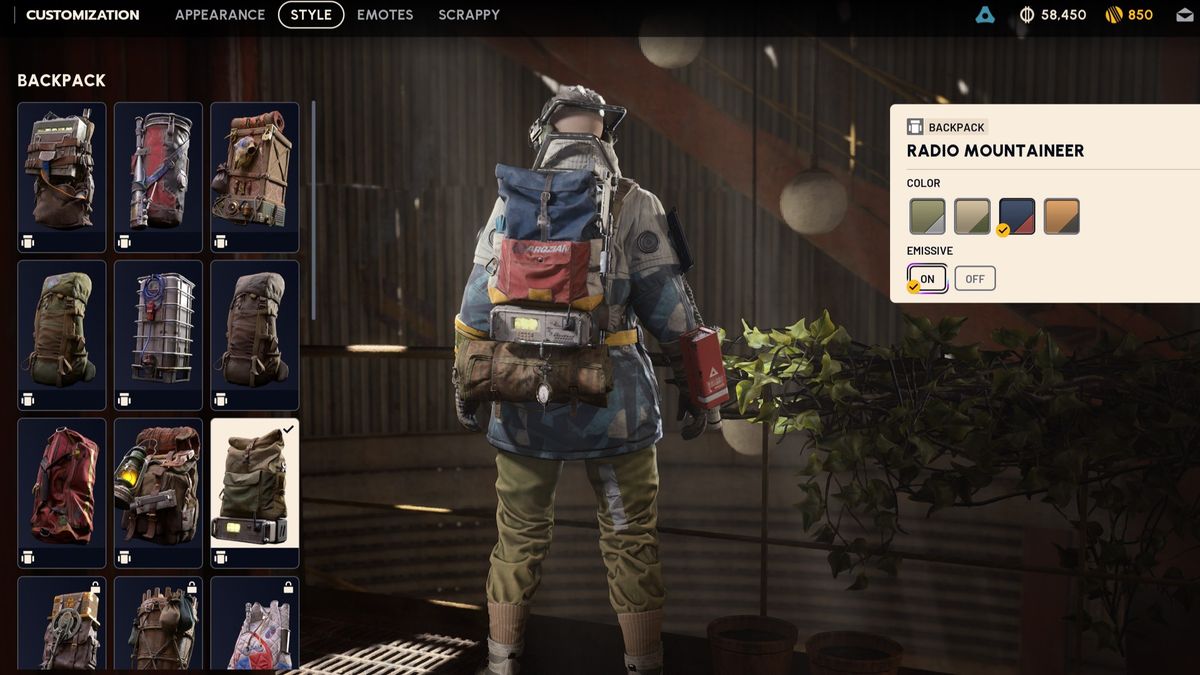
💡 This is the "Emissive" toggle in each backpack's cosmetic menu.
Arc Raiders has made lots of new tweaks and additions with Frozen Trail's 2.0 update, but one long-requested change of significant note is that you can turn off the light on your backpacks.
To do this, you need to:
- Select the "Raider" menu.
- Enter "Customization" on the bottom left of the screen.
- Go to the "Style" menu at the top.
- Choose "Backpack" on the left side.
- Toggle the Emissive option to "off".
As you'll see, while looking at the backpack, the light will disappear and reappear as you toggle this, though where exactly the light is varies from pack to pack. This should help you be a little sneakier, though it might make your character a bit harder to spot in some of the game's darkest areas.
 "2026 gamesBest PC gamesFree PC gamesBest FPS gamesBest RPGsBest co-op games")
Keep up to date with the most important stories and the best deals, as picked by the PC Gamer team.