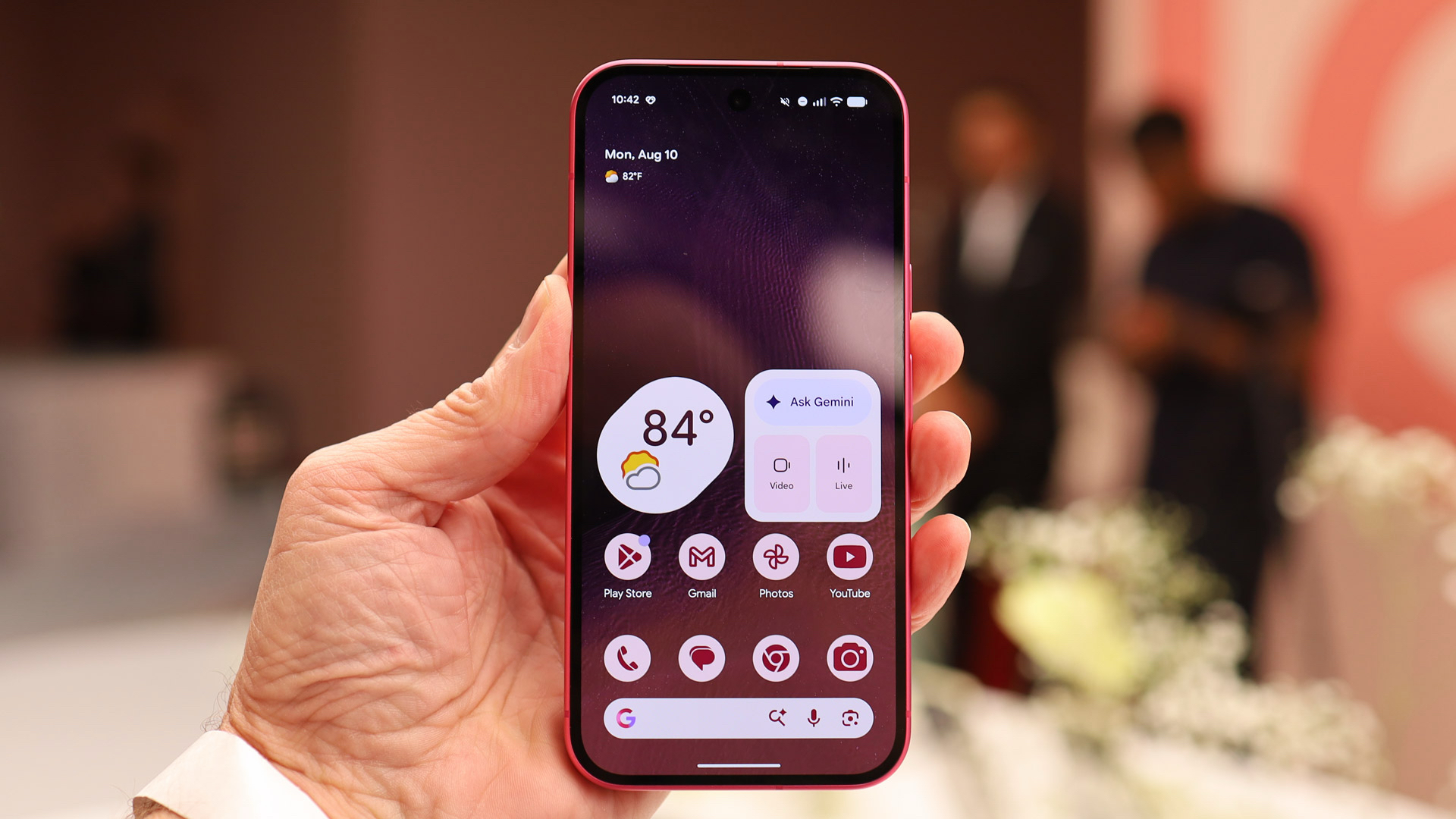
- Android Pulse has appeared on the Google Play Store
- It's available as an update for some users, showing that it's already on their phones
- The description suggests this runs in the background to check for misbehaving apps
Android Pulse is an app that you probably don’t know you have — but if you’ve got an Android phone then there’s a chance it’s already running in the background, and there’s an easy way to find out.
As spotted by 9to5Google, just such an app has appeared on the Google Play Store, and more tellingly, you might find it in your list of available Google Play Store app updates — meaning it’s already on your phone, even though you won’t have knowingly downloaded it.
This isn’t actually a completely new app, with versions of it dating back to March appearing on APK Mirror, but it has seemingly only now got itself a Google Play listing — and with the listing mentioning over ten million downloads, a lot of people must already have it.
Keeping your Android's pulse healthy
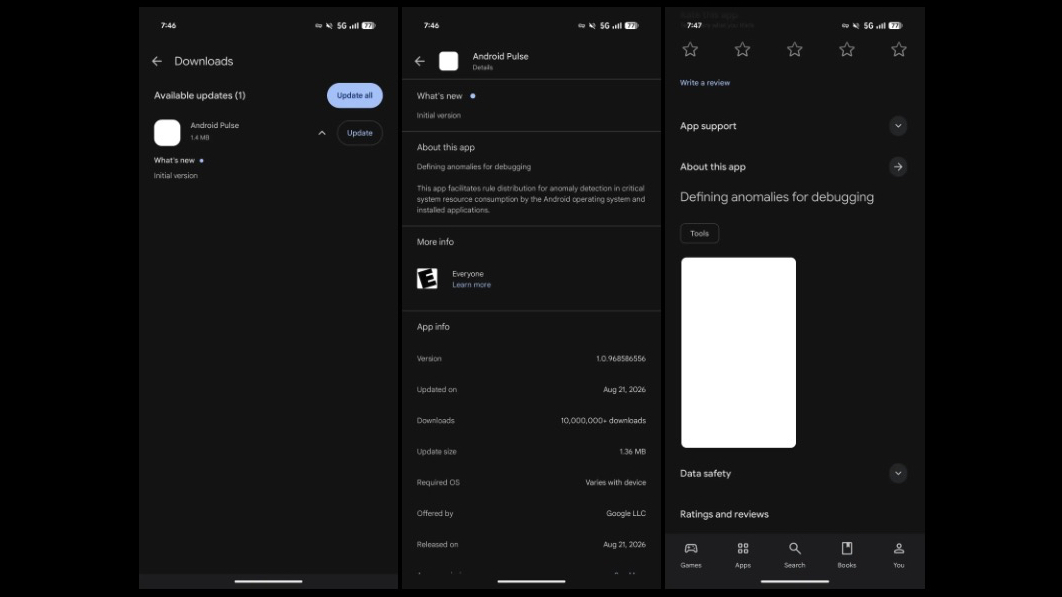
So what is this mystery app? Well, the listing says “this app facilitates rule distribution for anomaly detection in critical system resource consumption by the Android operating system and installed applications.” That’s a bit unclear, but 9to5Google’s interpretation — and we’re inclined to agree — is that this runs in the background, performing software diagnostics on the operating system and your installed apps.
It’s likely — based on the “anomaly detection” part of the description — that it’s looking for any apps or services that are misbehaving, by for example using more battery or CPU than they should. Though whether it then does anything about them or just alerts Google to it is less clear.
Either way though, the ultimate goal is presumably to keep Android running smoothly, so that’s no bad thing.
But this isn’t an app you can directly interact with or run scans from — if it’s on your phone, you just have to hope and assume it’s doing some good, and not simply wasting resources.
Sign up for breaking news, reviews, opinion, top tech deals, and more.

Follow TechRadar on Google Newsand** add us as a preferred source**to get our expert news, reviews, and opinion in your feeds. Make sure to click the Follow button!
And of course you can alsofollow TechRadar on TikTokfor news, reviews, unboxings in video form, and get regular updates from us onWhatsApptoo.
James is a freelance phones, tablets and wearables writer and sub-editor at TechRadar. He has a love for everything ‘smart’, from watches to lights, and can often be found arguing with AI assistants or drowning in the latest apps. James also contributes to 3G.co.uk, 4G.co.uk and 5G.co.uk and has written for T3, Digital Camera World, Clarity Media and others, with work on the web, in print and on TV.
You must confirm your public display name before commenting
Please logout and then login again, you will then be prompted to enter your display name.